Blog · 61 articles
Practical guides on Shopify, e-commerce, and the craft of running an online store — written by the team behind Polo Themes.

Figma · August 23, 2026
Choose onboarding kits by how well they help each role reach first value, recover, resume, and continue inside the real product.
Design an e-commerce website in Figma by mapping the buying journey first, then building reusable foundations, responsive page patterns, and a tested handoff.
Use a Figma UI kit safely by auditing its foundations, mapping components to real content, and customizing connected instances deliberately.
Use Guide to auto layout to make commerce components respond to real content, product states, localization, and changing viewport widths.
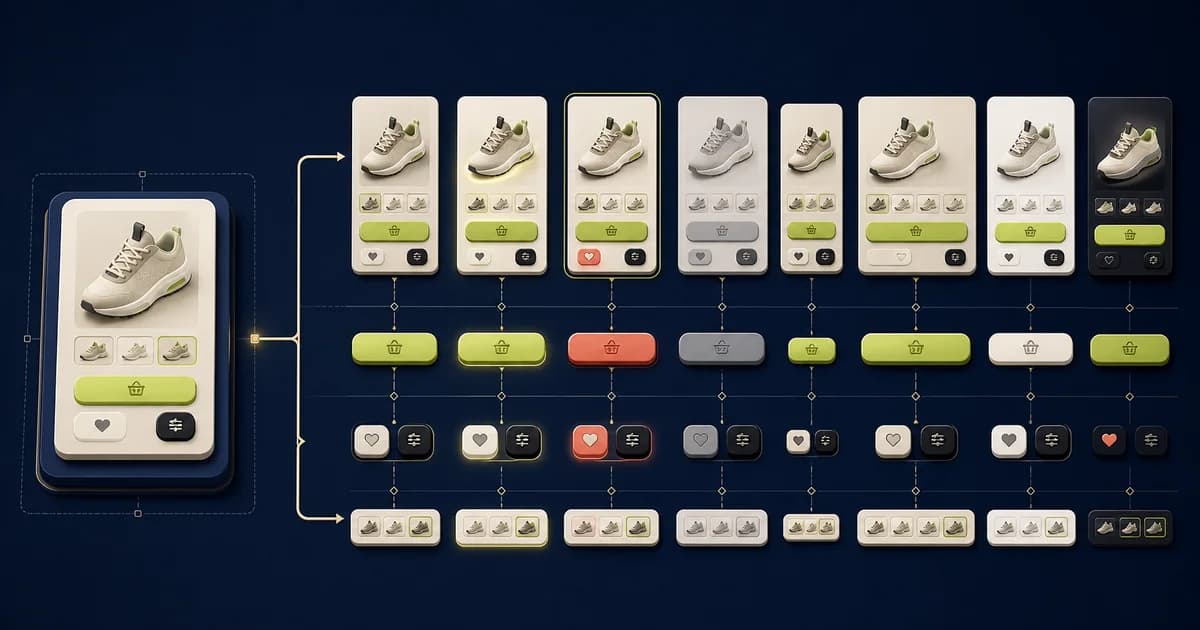
Components capture reusable structure; variants and properties expose meaningful state, size, emphasis, and content choices without duplicating patterns.
Use Figma variables to connect reusable values to semantic tokens, modes, and developer-facing names without treating raw colors as product meaning.
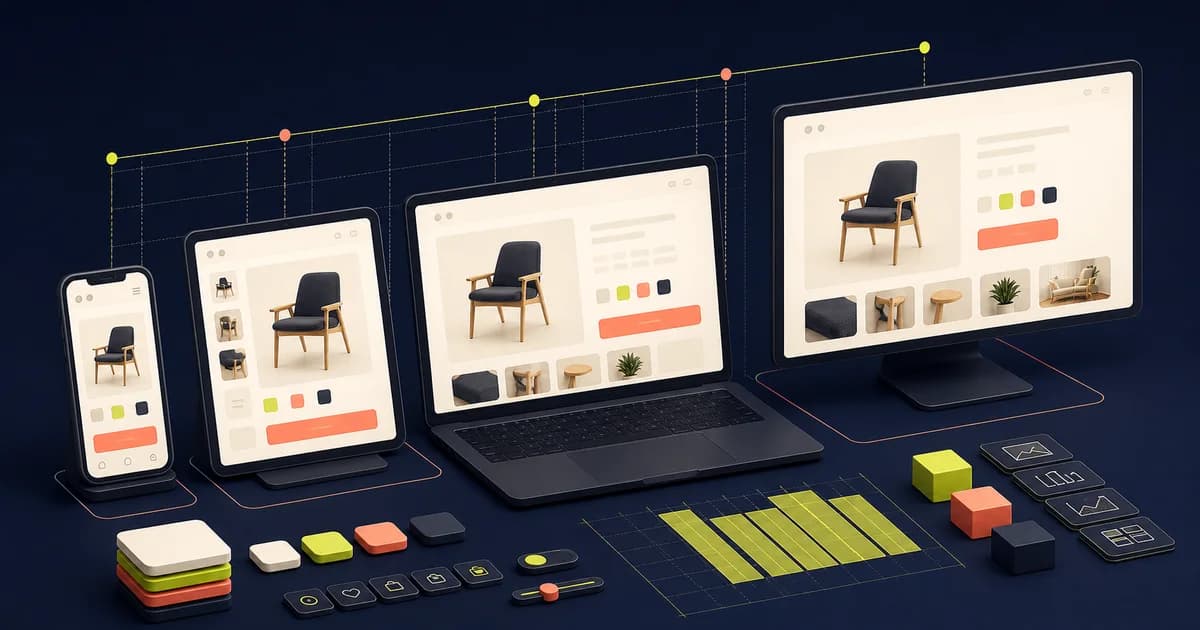
Design responsive interfaces in Figma by defining content priorities, container rules, and composition changes—not by shrinking one desktop frame.
Build a Figma design system from repeated product decisions, with governed foundations, components, documentation, contribution rules, and code alignment.
Prototype commerce flows in Figma to answer questions about decisions, states, and recovery—not to simulate an entire storefront.
Organize Figma styles and libraries around ownership, discoverability, release discipline, and safe adoption across files.
Choose Figma plugins by workflow need, permissions, maintenance, and output quality instead of installing a fashionable list.
Move from Figma to Shopify by translating approved patterns into theme architecture, settings, sections, templates, content, and tested storefront behavior.
Page 3 of 6