Blog · 98 articles
Practical guides on Shopify, e-commerce, and the craft of running an online store — written by the team behind Polo Themes.

Guides · August 23, 2026
Start a clothing brand by defining a customer and design system, validating samples and fit, planning inventory, and rehearsing exchanges and support.
Figma · August 23, 2026
A 2026 field guide to choosing Figma kits through product-model fit, component evidence, difficult-state trials, and adoption cost.
Choose a Shopify Figma kit by mapping each proposed screen to theme, app, administration, and hosted-checkout boundaries.
Compare design-system kits through tokens, component APIs, accessibility, documentation, contribution, releases, and code alignment.
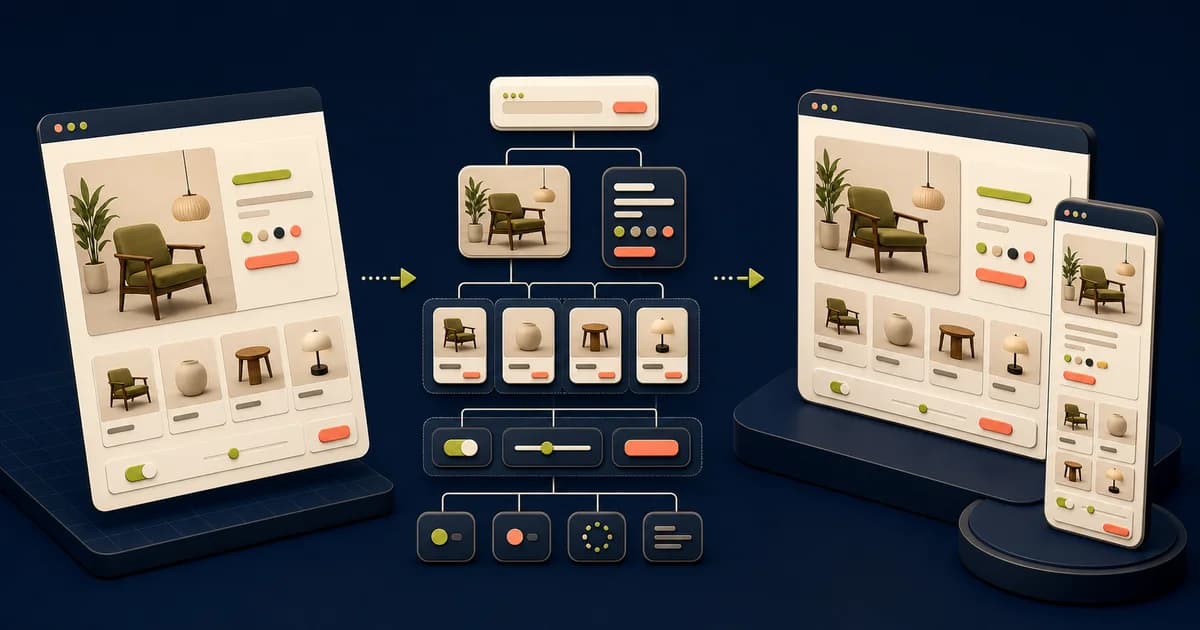
Design an e-commerce website in Figma by mapping the buying journey first, then building reusable foundations, responsive page patterns, and a tested handoff.
Use Figma variables to connect reusable values to semantic tokens, modes, and developer-facing names without treating raw colors as product meaning.
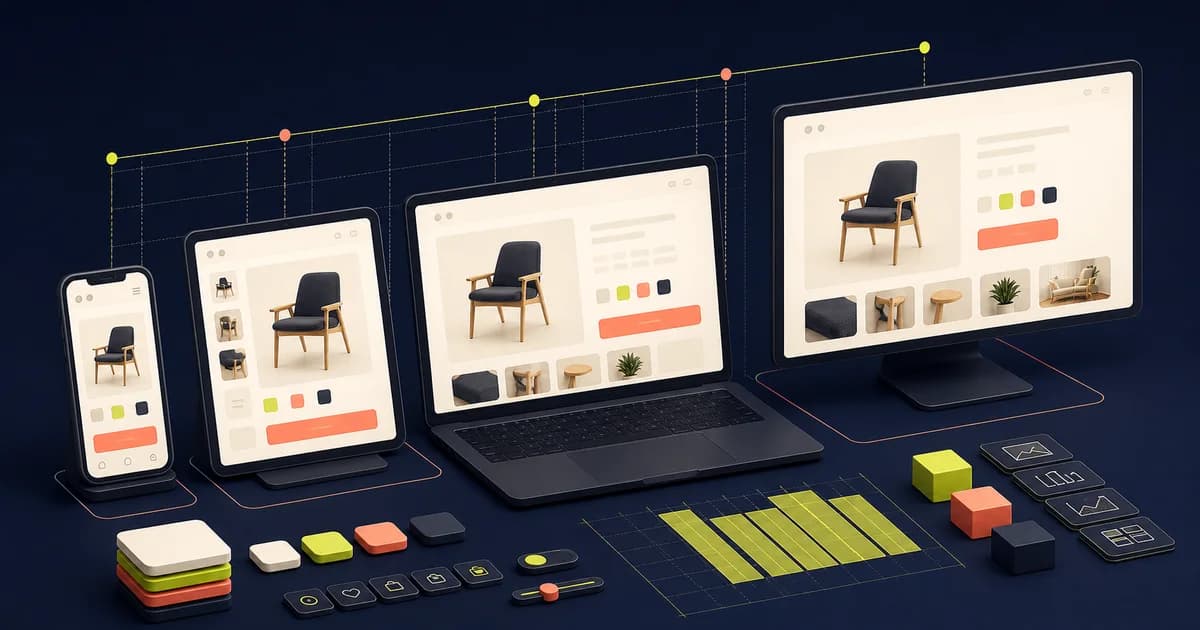
Design responsive interfaces in Figma by defining content priorities, container rules, and composition changes—not by shrinking one desktop frame.
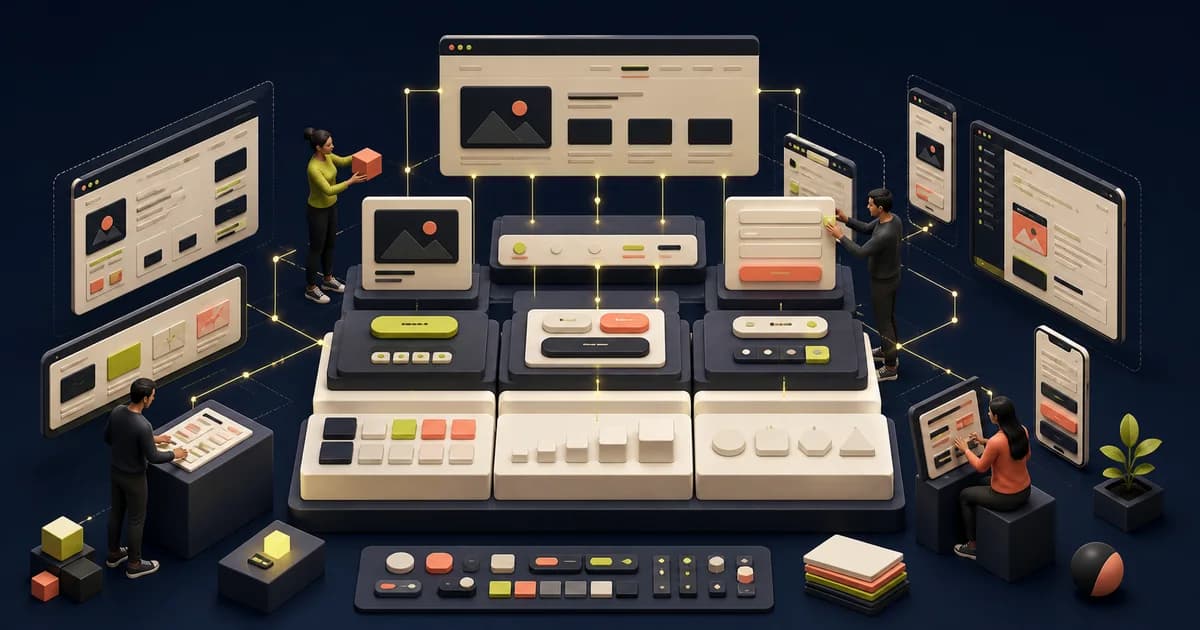
Build a Figma design system from repeated product decisions, with governed foundations, components, documentation, contribution rules, and code alignment.
Choose Figma plugins by workflow need, permissions, maintenance, and output quality instead of installing a fashionable list.
Use Figma Dev Mode to inspect ready designs, variables, component properties, assets, annotations, and versions within a documented handoff process.
Turn Figma into React by mapping product patterns to composable components, separating data and state, and validating accessible responsive behavior.
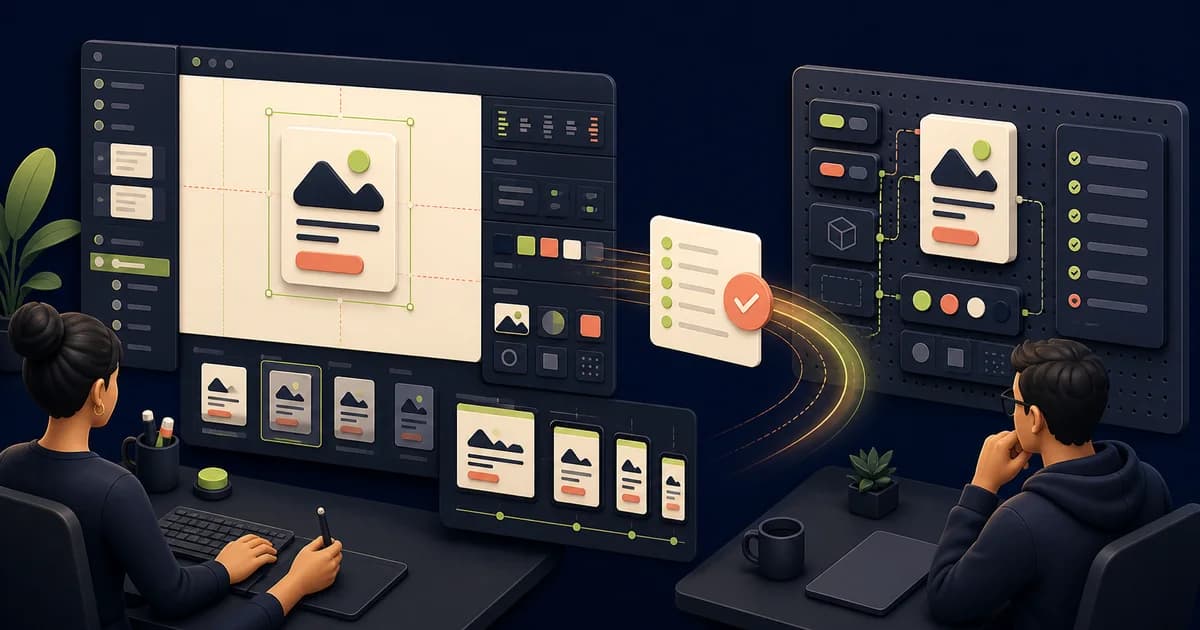
A reliable design-to-development handoff starts during discovery and ends only after the implemented experience is reviewed against shared acceptance evidence.
Page 1 of 9