Shopify · August 23, 2026 · 7 min read
Custom Shopify Theme vs Premium Theme: Choose the Ownership Model
Choose a premium Shopify theme when configuration proves the journey; build custom only when validated needs justify ongoing engineering.
By Polo Themes
Verdict: buy repeatable capability; build validated differentiation
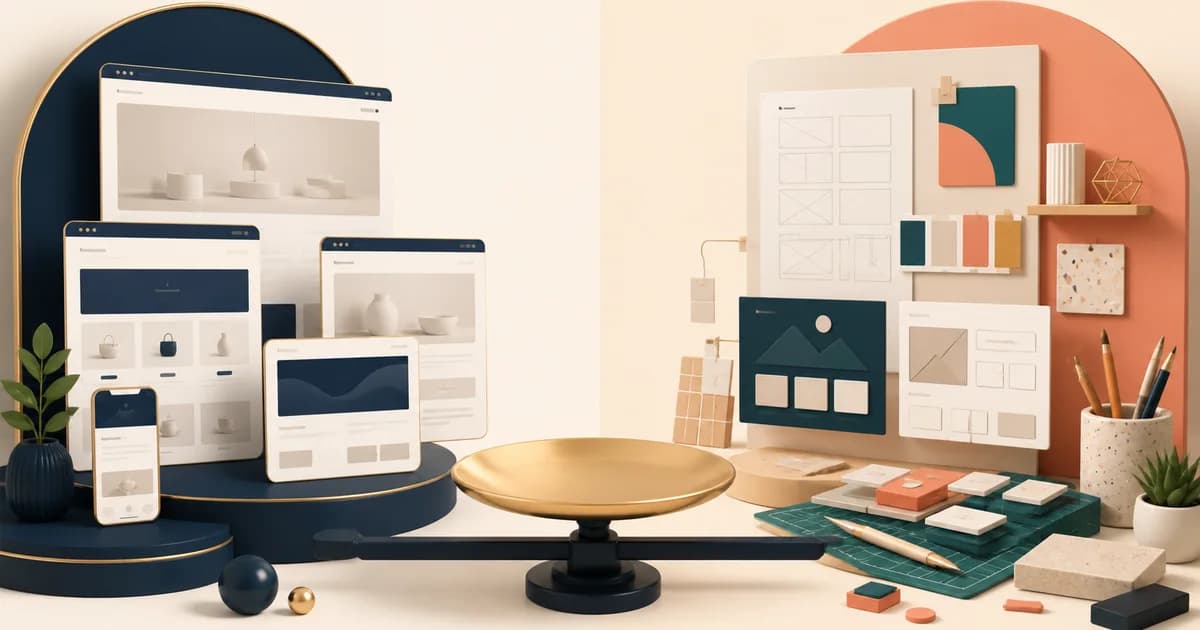
A premium Shopify theme is usually the better first choice when its templates, sections, and settings can deliver the customer journey without turning every content change into a development request. A custom theme is warranted when a specific differentiated workflow, information model, or brand interaction has been shown to matter and cannot be achieved maintainably by configuring a suitable theme. The dividing line is not originality. Every store deserves a distinct point of view; that can often live in content, product data, visual direction, and disciplined configuration. The custom path is justified by a requirement that survives prototype evidence and still needs owned code.
This comparison is fundamentally about ownership. Shopify themes use Liquid alongside HTML, CSS, JavaScript, and JSON. A premium theme packages a vendor’s architectural choices and support boundary; a custom theme makes the merchant responsible for its own design system, source code, testing, documentation, upgrade strategy, and engineering continuity. Neither arrangement is morally superior. The right decision matches the organization’s ability to carry the work after the launch team has moved on. A site can be very bespoke and still be fragile; a configured theme can be very recognizable and remain easy to operate.
Find the irreducible requirement first
Write the proposed custom requirement as an observable job. “We need a premium experience” is not a job. “A customer must compare these product attributes, understand the trade-off, save the selection, and return without losing context” may be one. Then make a thin prototype with real product data and ask the people who would use it to complete a normal and an exceptional case. Measure comprehension, completion, operator effort, and the cost of a correction. If the value disappears when the placeholder content is replaced, the issue is likely content design rather than storefront architecture.
Run the same test in a candidate premium theme. Do not judge whether it can exactly reproduce a Figma frame; judge whether it can produce the necessary outcome with an understandable editing model. Sometimes a small extension, a custom section, or a better content model resolves the gap while preserving an upgradeable base. Sometimes the exceptions pile up: a component needs a new data source, the editor has no safe control, the accessibility pattern conflicts with the interaction, and a future change becomes unpredictable. That is useful evidence for custom work. It states what must be owned instead of just preferring a blank canvas.
Compare delivery risk, not just launch speed
A premium theme can shorten the time from choice to a working draft, but it can still fail if the team forces it to imitate a different product model. A custom theme can make a precise experience possible, but it begins with discovery and creates a release pipeline rather than ending with a handoff. Map the critical path for both: decisions, content, data modelling, visual design, implementation, apps, QA, accessibility, performance, analytics, training, and post-launch support. Include waiting time for approvals and the time a second person needs to understand a change. The comparison often changes once operating time is visible.
Account for the evolution path. Shopify’s documentation treats themes as maintainable software with architecture, version control, development tools, and best practices. A custom theme needs an explicit route for dependency changes, Shopify platform changes, security fixes, regression testing, and safe deployment. A premium theme needs a separate process for reviewing vendor updates, preserving local modifications, and deciding whether to adopt or skip a release. In both cases, “we will deal with upgrades later” is a decision to accumulate risk.
Set ownership before implementation begins
For a premium theme, name the merchant owner of settings, content structure, apps, tracking, and theme updates. Name the technical owner of any custom code. Record what is supported by the theme vendor, what is supported by an app provider, and what is bespoke. For a custom theme, additionally name the product decision-maker, design steward, code maintainer, release owner, and person responsible for accessibility and performance checks. A statement of roles is more valuable than a vague “agency support” promise because it tells a store team who may change what and who will investigate a failed release.
Protect the editor experience. Custom development can give editors a better interface, but only if editing was designed as a first-class requirement. Test the authoring flow with incomplete descriptions, lengthy legal copy, product states that are temporarily unavailable, and a last-minute campaign correction. Avoid an implementation that requires editors to know CSS, remember magic values, or edit a generic rich-text field to control a layout. Equally, do not mistake a long list of premium-theme settings for an editorial model. More toggles can hide the intended content hierarchy and create inconsistent pages.
Migration and rollback are part of the choice
- Inventory the live theme, customizations, source repositories, app embeds, analytics, consent mechanisms, and operational workarounds.
- Define parity requirements separately from the new differentiated behavior so the custom project does not silently lose needed store functions.
- Build or configure in a duplicate theme, using a representative catalogue and the integrations that will exist at launch.
- Test shopping, search, merchandising, content editing, errors, keyboard use, and mobile behavior with named owners.
- Review the release path, source custody, documentation, monitoring, and exact rollback action before publishing.
- After launch, reconcile critical events and orders, then schedule a review of the assumptions that justified custom work.
Do not migrate directly from a design file. A design is evidence of intended appearance, not a record of redirects, data dependencies, loading states, accessibility semantics, or production ownership. Preserve the current theme as a recoverable release until the new storefront has passed its production checks. If the migration changes URLs, add a redirect plan. If it changes product data, test the bad-data path. If it changes an app integration, exercise its configuration and failure behavior instead of assuming a visual match proves a functioning system.
Compare the first difficult change after launch
Launch scope can make both routes look deceptively tidy, so compare a change neither implementation was optimized to present. Use a new product type, a revised bundle rule, an additional locale, or a campaign that needs a different information order. In the premium candidate, trace whether the change is configuration, a bounded extension, or an override that weakens future updates. In the custom candidate, trace the product decision, design revision, code change, tests, release, and documentation. The useful comparison is not which team can improvise fastest. It is which ownership model makes the change understandable, reviewable, and safe for the people who will repeat it.
Then compare succession. Give a maintainer who did not build either version the requirement, source access, and existing records. Ask them to identify the responsible component, data dependency, customer states, and rollback route without editing production. A vendor theme may win because its documented conventions narrow the search. A custom theme may win because its local architecture precisely represents the business. Either can fail when modifications, rationale, or support boundaries live only in an agency conversation. Add the observed onboarding gaps to total ownership cost rather than treating documentation as a final optional deliverable. Repeat the exercise with an editorial change: a new campaign should reveal whether the premium settings communicate safe limits or the custom editor encodes the intended hierarchy. Record how each route handles invalid input, preview, approval, and reversal. These operator-facing qualities deserve equal weight with developer onboarding because routine publishing is where an ownership model is most frequently exercised.
Action plan: earn the custom boundary in increments
- Configure a plausible premium theme with real content and record every requirement it meets without code.
- For each remaining gap, state the customer or operator harm and prototype the smallest bounded extension that could resolve it.
- Mark where extensions begin to conflict with the theme’s data, editor, accessibility, or update model.
- If custom work is approved, build parity and the highest-risk differentiated workflow before expanding the visual surface.
- Require source control, release checks, component documentation, editor training, incident ownership, and a rehearsed rollback before launch.
- Review the architecture after the first unplanned change; simplify or return to a theme foundation if the promised custom advantage does not survive ordinary maintenance.
Where Polo Themes fits
Polo Themes provides Shopify themes as premium starting points, Figma design kits, and Shopify-plus-Figma bundles. The products are not bespoke design or development engagements and they do not make a merchant’s requirements automatically compatible. A matching Shopify theme and Figma kit can reduce ambiguity between an approved visual direction and configuration work, but they do not substitute for data modelling, content, app validation, code ownership, or accessibility checks. If a product is only an adjacent niche fit, describe the mismatch plainly and use a prototype to decide whether adaptation is economical.
FAQ: Can I start with a premium theme and add custom features later?
Yes, when each addition is bounded and its owner, upgrade effect, and editor behavior are recorded. Use a custom section or extension where it genuinely reduces long-term complexity. Stop and reconsider the architecture when the theme is repeatedly overridden or when upgrades become unsafe because local changes are no longer separable.
FAQ: Is a headless storefront the same as a custom theme?
No. It is a different storefront architecture decision with its own integration, preview, publishing, and operational responsibilities. Do not choose it merely because a custom theme feels limiting; write the actual requirements and evaluate the consequences separately.
FAQ: Who owns accessibility in a custom or premium theme?
The merchant owns what is published in both cases. A vendor or developer may provide a useful foundation, but the store team must test its content, modifications, apps, and releases. Make accessibility acceptance criteria part of each theme change rather than leaving it to an end-of-project audit.