Figma · August 23, 2026 · 8 min read
Best Figma UI Kits for SaaS Products
Compare SaaS kits across trial, setup, empty data, daily work, permissions, billing, failure, support, and account lifecycle.
By Polo Themes
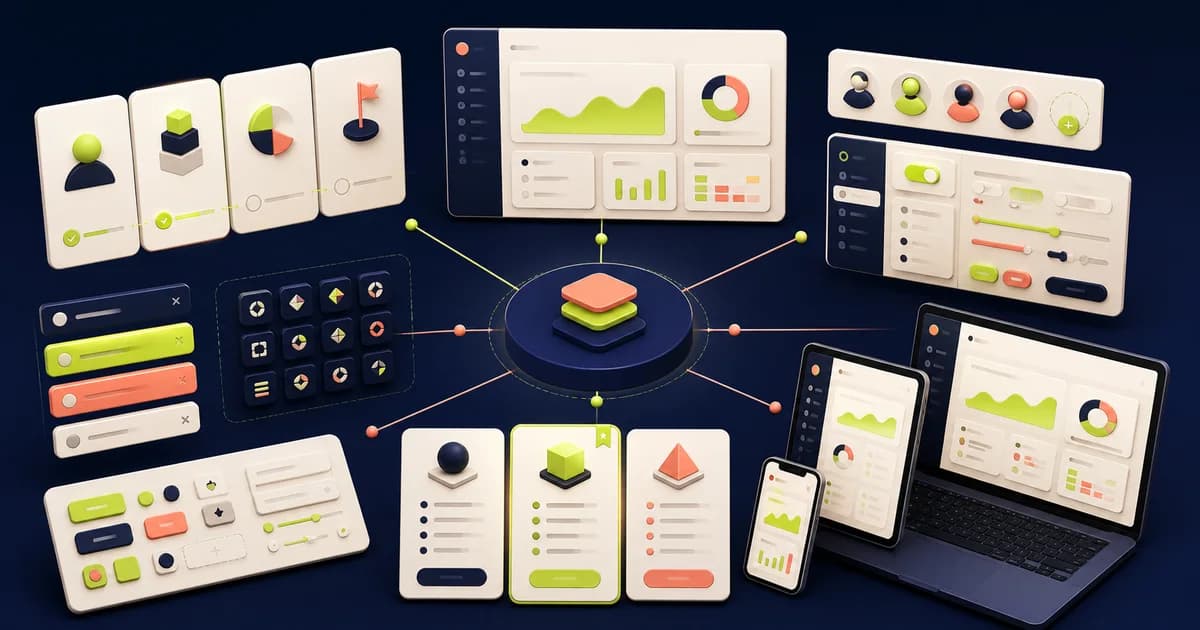
The best SaaS Figma kit supports the authenticated product lifecycle, not just its marketing site. It should help a prospect enter a trial, configure a workspace, invite collaborators, reach first value, perform repeated work, understand permissions and billing, recover from failure, get support, and leave safely. A large landing-page library can still leave the actual software undesigned.
Atlassian is a strong named reference for collaborative product patterns, Carbon for complex enterprise interfaces, and Material 3 for maintained cross-device foundations. Each reflects a documented context. None defines the SaaS product’s tenancy, roles, data, pricing, authorization, privacy, security, or lifecycle. Treat those systems as behavior evidence and source material, not ready-made architecture.
Model account, organization, and workspace
Draw entities before navigation: person, identity, organization, workspace, project, team, invitation, role, subscription, and data boundary as applicable. State who owns each, how people switch context, and what happens when membership changes. A kit that uses avatar menus and workspace switchers decoratively can conceal serious ambiguity about which customer data an action affects.
Prototype a person belonging to two organizations with different roles and billing states. Change context mid-task, expire one invitation, remove access, and preserve a safe return. Visual context is not authorization; the implemented service must enforce every boundary. Security and privacy review should verify routes, data, logs, and error behavior beyond Figma.
Compare named systems by job
Atlassian’s foundations and patterns suit records, status, collaboration, and shared work, making it a useful benchmark for project-oriented SaaS. Carbon’s documented components and data-visualization guidance can serve dense administration and analytical surfaces. Material 3 can ground controls and adaptive behavior, especially across Android-related products. Copy none wholesale: terminology, density, navigation, and workflows must match local users.
Prove trial and first value
Define the first valuable outcome for each important role. Ask only for prerequisites before that outcome and move optional configuration into context. Prototype invitation, identity verification where required, import, integration, permission denial, empty data, sample data, skip, interruption, and return. Completion of onboarding screens is not success if users remain unable to perform the job they came for.
An empty state should explain why nothing exists, what useful next action is possible, and what permission or dependency blocks it. Do not fill every empty surface with illustration and a generic create button. Test a viewer without creation rights, a workspace awaiting import, a failed integration, and an intentionally empty result after filtering.
Design daily work under change
Choose one record moving from creation through collaboration, review, completion, reopening, and archive. Include concurrent editing, stale data, validation, draft preservation, comments, mentions, notification, and audit context where appropriate. A component library earns its place when these states remain connected and understandable without detached one-off screens.
Build search, filters, saved views, bulk action, and detail around the same record model. Preserve context on return and distinguish no data from no matches. Define selection scope across pagination and permissions. Engineering must establish consistency and transaction behavior; the prototype should represent waiting, partial failure, conflict, retry, and verified completion honestly.
Make permissions legible without promising security
Create a matrix for owner, administrator, member, guest, billing manager, support, and any custom role. Test navigation, visible fields, allowed actions, approval, and error for the same object. Explain why an action is unavailable when useful. Never rely on a hidden or disabled control as enforcement, and avoid leaking sensitive entity names through search or notifications.
Prototype role change, last-owner protection, invitation expiry, domain restriction where supported, external guest removal, suspended account, and access lost during an edit. Preserve recoverable work without exposing it to an unauthorized person. Authentication, authorization, session, and audit controls belong to verified implementation and threat review.
Cover billing and entitlement states
Distinguish plan, price, billing period, seats or usage, estimate, invoice, payment method, tax, credit, trial, renewal, cancellation, and entitlement according to the actual model. Do not invent prices or policy to populate a kit. Finance, product, legal, and operations owners must approve values and language.
Test trial ending, payment failure, grace period, read-only state, limit reached, upgrade, downgrade, proration where supported, cancellation, reactivation, and data export or deletion. State what remains accessible and when. A pricing modal is not a subscription lifecycle; the authoritative billing system and product entitlement must reconcile.
Design failure and support together
Interrupt import, integration, save, background job, notification, and export. Identify whether the action is queued, retrying, failed, partially completed, or awaiting an external system. Give useful evidence and safe action without exposing secrets or internal stack traces. Preserve correlation information for support in an appropriate form.
Place support inside the task with relevant product context and consent. Separate product education, incident status, account help, and domain advice. Do not promise response time without an approved service commitment. Prototype a user who cannot access the workspace containing their open case.
SaaS evaluation checklist
- Identity, organization, workspace, project, invitation, role, subscription, and data boundaries are distinguishable.
- Trial and onboarding reach a named first-value outcome with skip, interruption, denial, and return.
- Empty, loading, stale, failed, partial, filtered, restricted, and completed states use accurate language.
- Daily work covers concurrent change, drafts, validation, collaboration, search, bulk action, and history.
- Permissions are reflected consistently while implementation remains responsible for authorization and security.
- Billing, entitlement, limits, renewal, payment failure, cancellation, export, and deletion follow approved policy.
- Components withstand dense data, localization, enlarged text, keyboard use, responsive widths, and role variation.
Inspect and adopt the source
Audit foundations, navigation, forms, tables, records, empty states, dialogs, notifications, billing, and settings as components. Review properties, variants, naming, nesting, variables, auto layout, libraries, and documentation. Replace sample data and forbid silent detachment. Map chosen patterns to coded primitives only where the relationship improves handoff.
Preserve a regression fixture with two organizations, conflicting roles, failed import, concurrent edit, changed subscription, and support recovery. Replay it when the kit or product system changes. Record local exceptions and deprecate obsolete patterns with migration guidance for every affected product team, customer cohort, and maintained coded component before the next production release.
Treat integrations as continuing relationships
Prototype discovery, authorization handoff, requested scopes, configuration, initial synchronization, mapping, progress, partial import, failure, reconnect, changed permission, disconnection, and data aftermath. Do not reproduce a provider’s authorization screen as though the SaaS product owns it. Explain what the product will access and do using approved, current facts, while the provider and implemented integration enforce the actual boundary.
Show integration health where a user can act on it. Distinguish delayed sync, invalid credentials, insufficient scope, provider outage, malformed data, rate limit, and local processing failure only when the system can identify them. Preserve last successful activity and affected records. A generic red “disconnected” badge may send administrators toward the wrong repair and conceal ongoing data consequences.
Control notifications and interruption
Map events to audience, urgency, channel, grouping, frequency, preference, and action. An in-product notification, transactional email, push alert, digest, and audit entry have different jobs. Test duplicate events, stale links, removed access, changed record names, and a user returning after many alerts. Avoid sending confidential content into a channel whose recipient or device context is uncertain.
Preferences should be understandable without allowing users to disable messages required for security, billing, or service operation when policy demands them. Explain categories and consequences, preserve organization-level administration where appropriate, and show confirmation. Consent, lawful basis, delivery, and unsubscribe behavior require review beyond the visual settings page.
Design the exit before adoption
Prototype member departure, organization cancellation, ownership transfer, export request, deletion request, retention period, legal hold where applicable, and final removal. State what happens to shared work, invitations, integrations, public links, billing, and support. Do not invent retention durations or deletion guarantees. Product, privacy, legal, security, and operations owners must approve the lifecycle.
An export should define scope, format, preparation state, authorization, expiry, failure, and notification. A destructive close-account action should identify affected organizations and data and require appropriate confirmation. Provide a recovery or escalation route where supported. The backend’s deletion and retention evidence—not a success illustration—determines whether the promise has been fulfilled.
Review system quality with another contributor
Ask a designer unfamiliar with the candidate to build the integration failure and organization-exit routes from its components. Observe search terms, mistaken variants, detached instances, and undocumented assumptions. Ask an engineer to map the result to current services and an accessibility reviewer to traverse it with realistic content. This reveals adoption and training cost more effectively than counting pages. Preserve the resulting fixture and decision notes so future library updates can be judged against the same tenant, permission, billing, integration, notification, and exit evidence.
Failure modes
The landing-page substitution failure treats marketing sections as authenticated product design. Recover by starting inside an empty workspace and completing real work before evaluating the acquisition pages. The second failure copies enterprise density into a simple tool; let task complexity determine information volume. The third treats permission styling as security; require independent implementation verification.
Conclusion
Use Atlassian for collaborative-work reference, Carbon for data-rich enterprise patterns, and Material 3 for adaptive foundations. Select the kit that survives the product’s organization model, first-value route, daily record lifecycle, permission changes, billing failures, and support recovery. A visual system can improve coherence; it cannot supply product architecture, data truth, or security guarantees.
Frequently asked questions
Is a SaaS landing-page kit enough?
No. Authenticated navigation, data states, permissions, billing, collaboration, support, and lifecycle require separate product design.
Should design roles match backend roles exactly?
Design should reflect understandable capabilities, while backend authorization remains authoritative. Map them explicitly and test changes and errors.
Can a kit prove SaaS security?
No. It can document intended boundaries and feedback. Threat modeling, architecture, code, configuration, monitoring, and security testing provide evidence.